
CRM & Contacts
Keep every customer detail, note, and follow-up in one clean workspace.
CRM · POS · Payments · Operations
Bring customers, sales, inventory, Paystack payments, accounting, rentals, events, and team workflows into one workspace. Spend less time switching tools and more time running your business.
Plans from 15,000 XOF/month · Automatic card renewal with Paystack · Cancel future renewals anytime

Keep every customer detail, note, and follow-up in one clean workspace.

Take cash, mobile money, or verified Paystack payments. Keep checkout, receipts, orders, and stock connected.

Share WhatsApp receipts and updates, manage support, and run email or social campaigns with the tools included in your plan.

Manage projects, work with PDF documents, and install RushDesk on desktop, tablet, or mobile.

Track workstation rentals and organize events, RSVPs, ticket tiers, and ticket verification.

Share a workspace, organize team responsibilities, and give up to five workplace users access with Scale.
Inventory + Accounting
RushDesk brings operational tracking and financial visibility together, so your team can move from order activity to accounting decisions without rebuilding the numbers by hand.
01
Track stock, services, quantities, costs, and reorder pressure from the same workspace your team uses for sales. RushDesk helps you see which products are moving, what needs restocking, and how inventory affects revenue before it becomes a surprise.

02
Keep paid, partial, pending, and failed payments visible across orders. Cash, mobile money, and verified Paystack payments stay connected to each sale, while business payout setup and fee disclosure help you understand where the money goes.

03
Connect order revenue with inventory cost to understand stock value, retail value, and estimated margin. The accounting dashboard gives you a clear view of collected cash, open balances, and product exposure without waiting for manual reports.

04
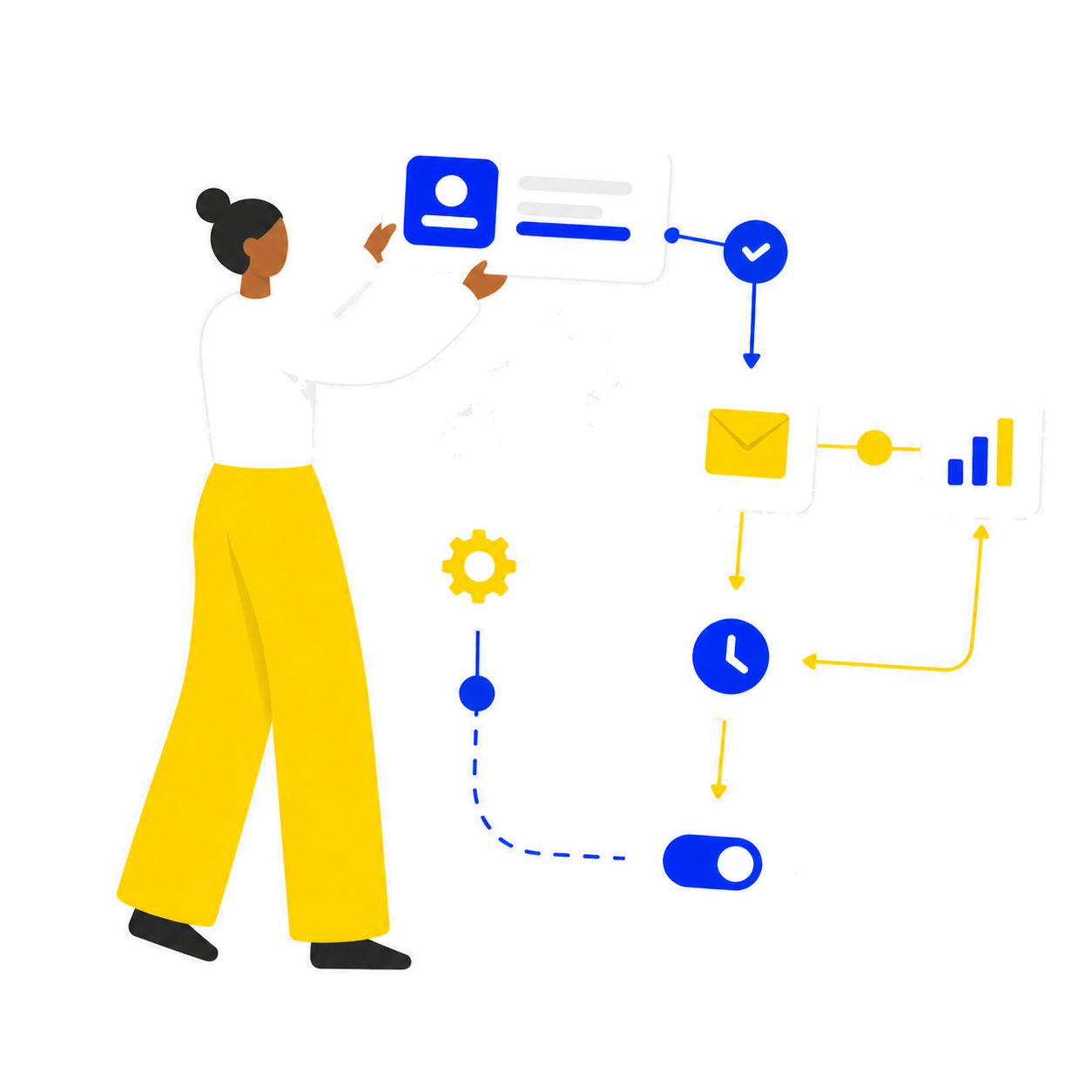
Automate the handoff between sales activity, inventory updates, customer follow-up, and finance review. RushDesk keeps the workflow simple enough for daily use while giving managers the reporting structure they need to make decisions.
Core Solutions
Capture every interaction, keep contact history visible, and move follow-ups forward without losing context.
Receive cash, mobile money, or Paystack payments from your POS. Set up a verified business payout account, accept the 4% collection fee, and connect confirmed payments to receipts and inventory.
Turn activity into momentum with clearer trends, stronger retention, and a better view of where revenue grows.
Payments for your business
Connect a verified business payout account, open Paystack checkout from your POS, and confirm payments against each sale. Inventory updates once the payment is verified.
Set up your business96%
Business share
4%
Platform collection fee
Shares are subject to rounding. Bank payouts follow Paystack’s schedule after subaccount verification. Bank and currency availability depend on your market. The collection fee is separate from your RushDesk subscription.
Start small. Add the tools you need.
Eligible accounts get 7 days of full non-admin access. Continue with a monthly plan.
Starter
CRM, contacts, orders, pipeline, POS, inventory, PDF tools, and project management.
Choose StarterGrowth
Add accounting, support, email marketing, events, rentals, and expense and revenue reports.
Choose GrowthScale
All Growth tools, plus social media marketing and shared access for up to five workplace users.
Choose ScaleEligible accounts receive 7 days of full non-admin dashboard access from signup. Choose Starter, Growth, or Scale to continue after the trial.
Yes. Set up a business payout account in the POS and complete Paystack subaccount verification. Each POS payment deducts a 4% platform fee, with your business receiving 96% subject to rounding. The platform bears Paystack processing charges. Currency and bank availability depend on your market.
Choose Starter at 15,000 XOF, Growth at 30,000 XOF, or Scale at 50,000 XOF per month. Enter your name and email to open Paystack card checkout without logging in. After a guest payment, activate the plan with an account using the same verified email. Authorize monthly renewal and manage cancellation or card updates in your subscription dashboard. Wave payments remain manual.
All paid plans include CRM, contacts, orders, pipeline, POS, inventory, PDF tools, and project management. Growth adds accounting, support, email marketing, events, rentals, and expense and revenue reporting. Scale adds social media tools and shared access for up to five workplace users.
Free trial
7 days
POS collection fee
4%
Monthly plans
3
Scale workplace users
Up to 5

Keep CRM, POS, and rentals connected so your team never loses context.
Move faster with quick actions and clean pages designed for daily use.
Launch quickly and scale your team operations with one consistent platform.